What if you can?edit PDF like text
The AI PDF Studio where AI meets PDF editing: edit text like a document, draft with AI, read any scan, and keep fonts and layout matched — plus 561 PDF and AI tools, including 17 AI tools, all running right in your browser.
Drag & drop your PDF
or browse from your device
See MojoPDF in action
Watch AI build a proposal, a deck and a spreadsheet, edit a scanned PDF, and run through more than 500 tools — in under two minutes.
Word, PowerPoint, Excel and Publisher — with AI built in
Not just PDFs. Five studios open and save your Word, PowerPoint and Excel files, and each one has an AI that builds and edits with you, right in your browser.
Edit any PDF like a document, scans included, or ask the AI to design one from scratch.
- Edit a PDF's text in a matching font
- Scanned pages become editable on their own
- AI builds invoices, reports and proposals

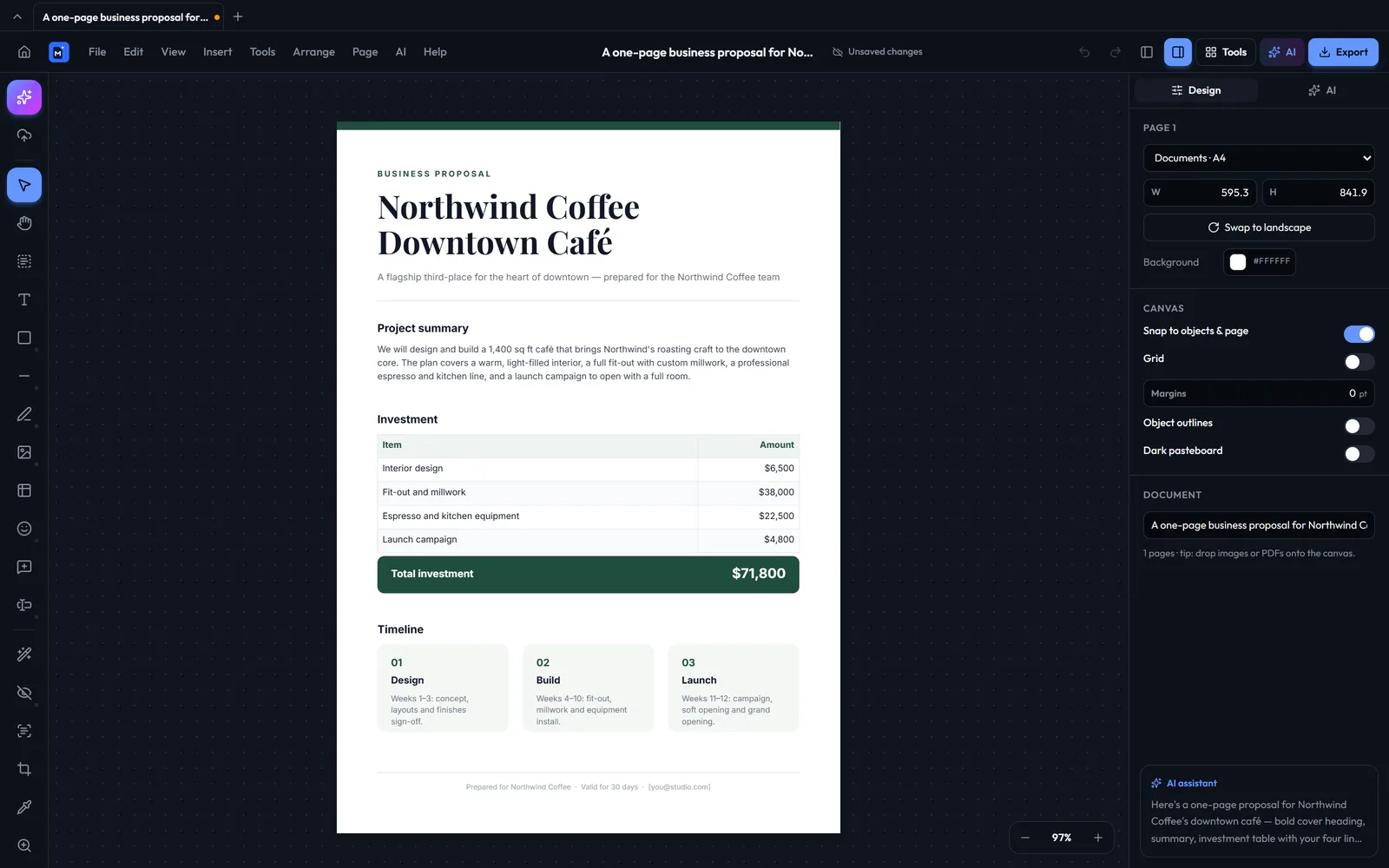
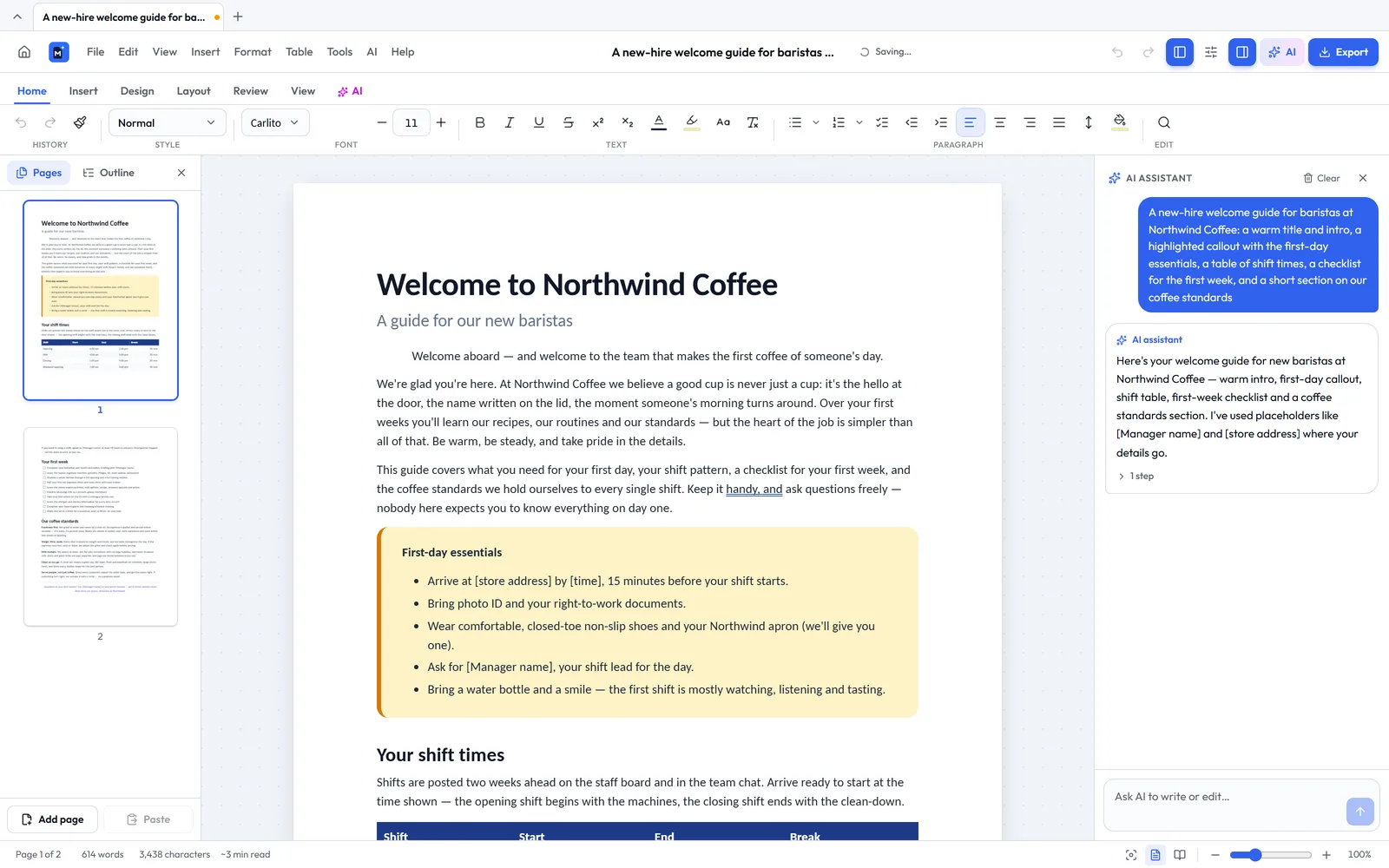
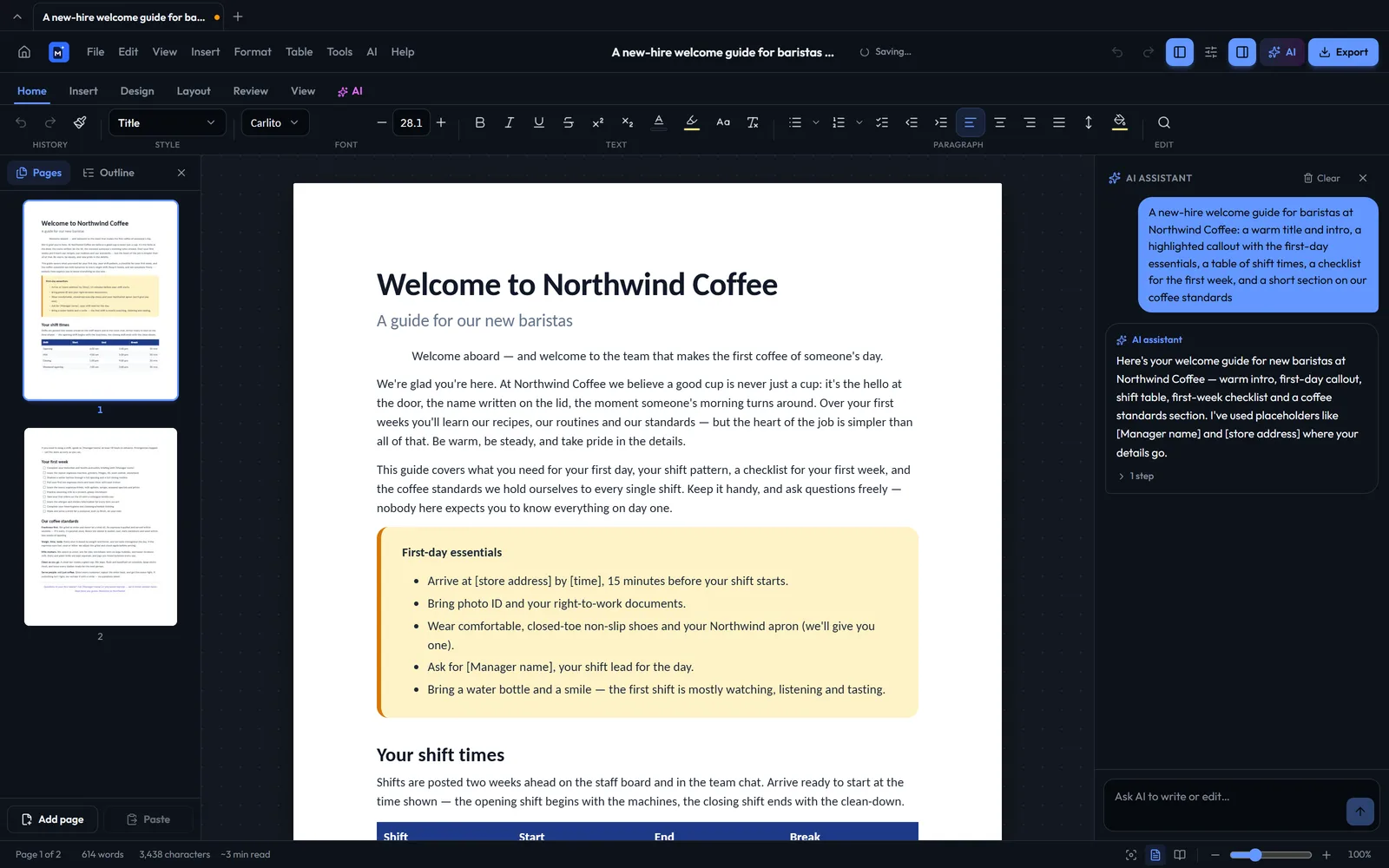
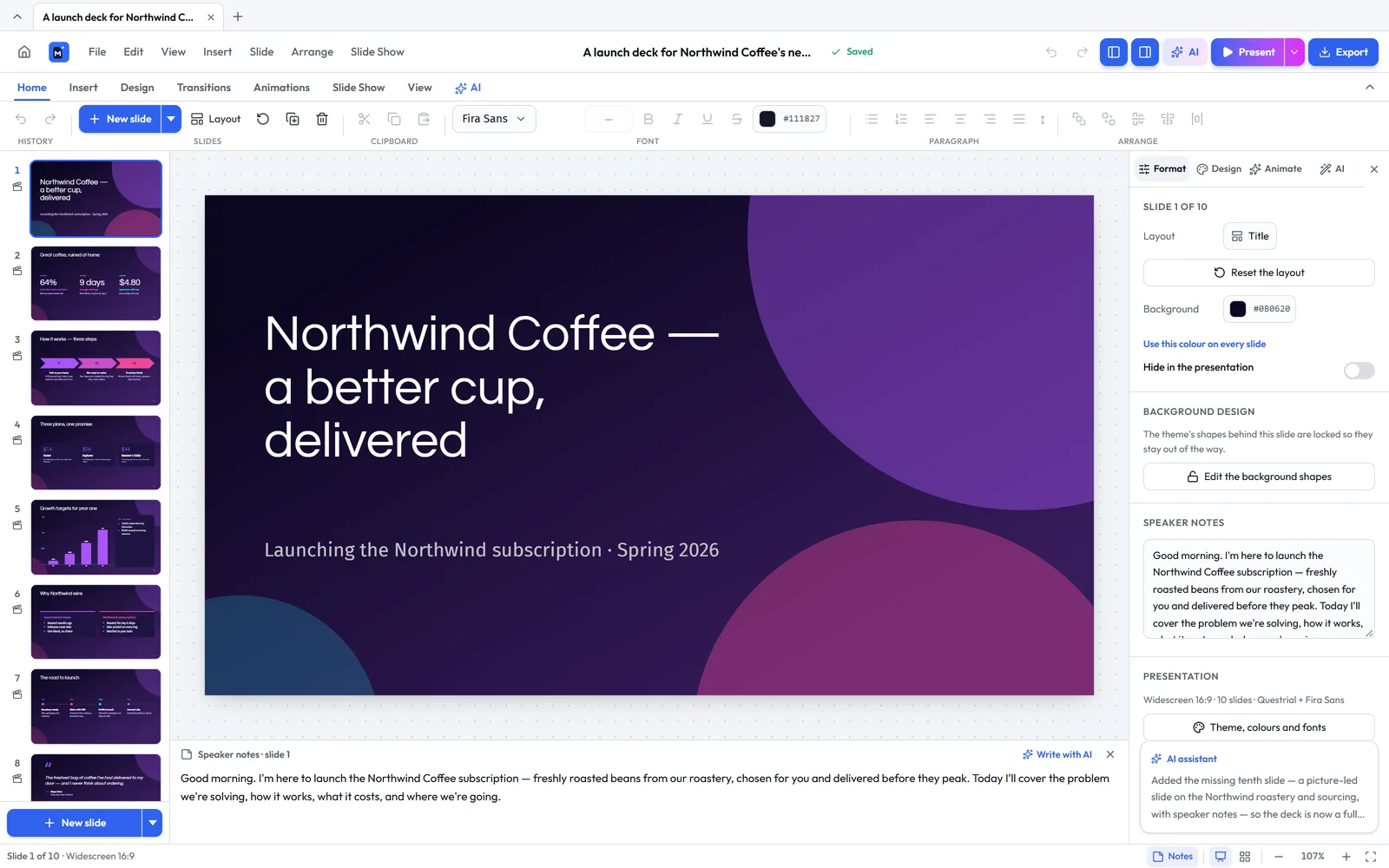
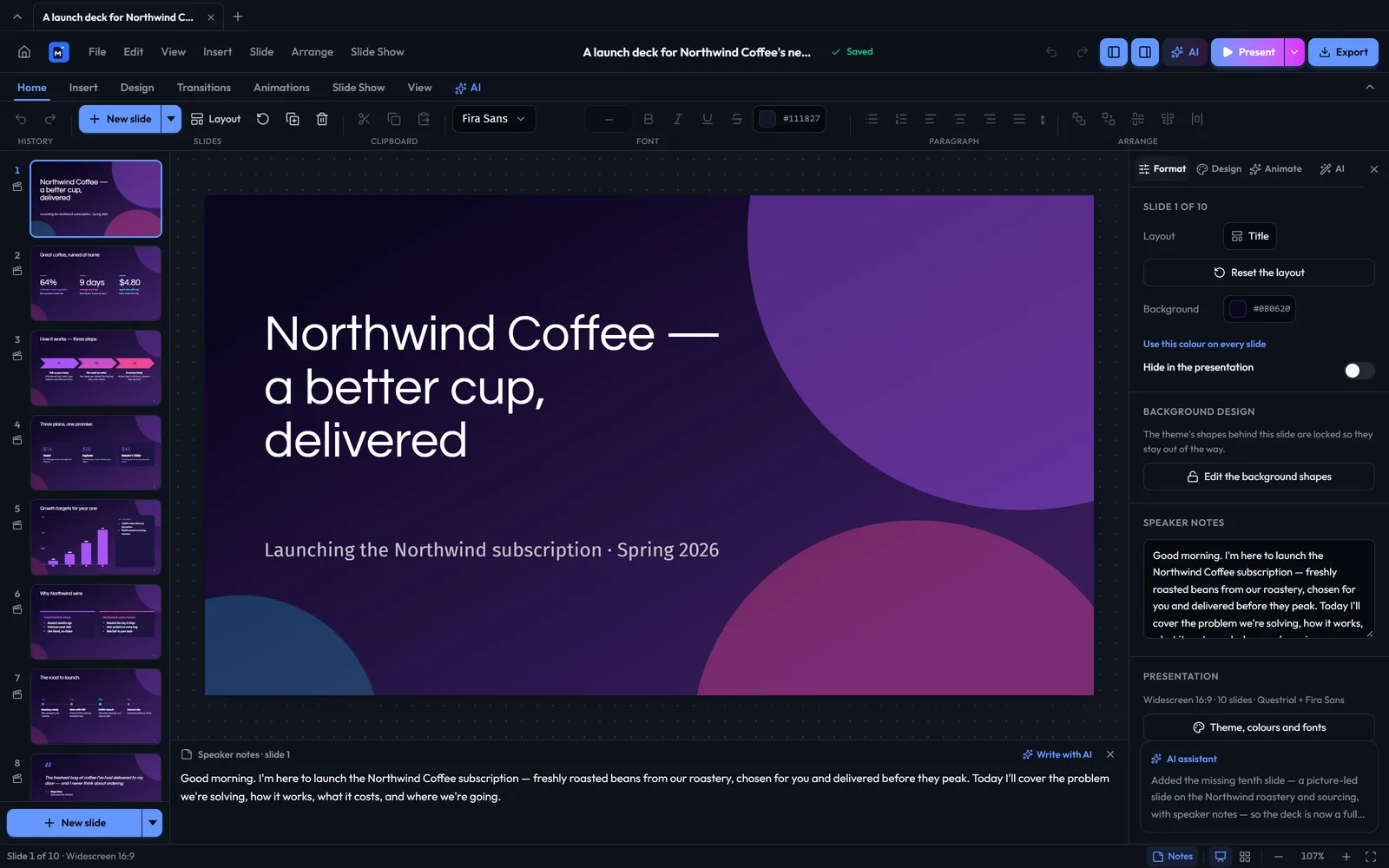


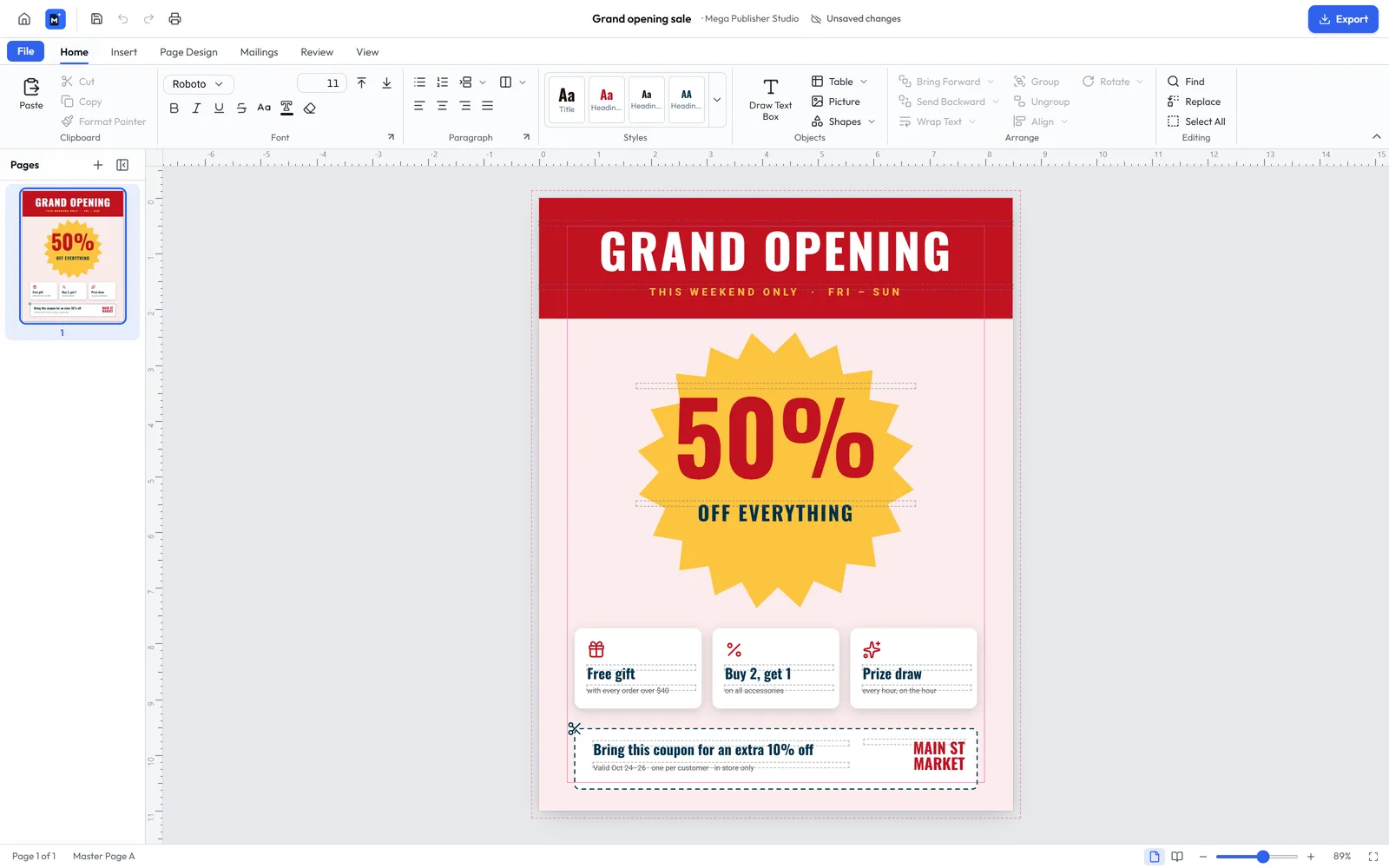
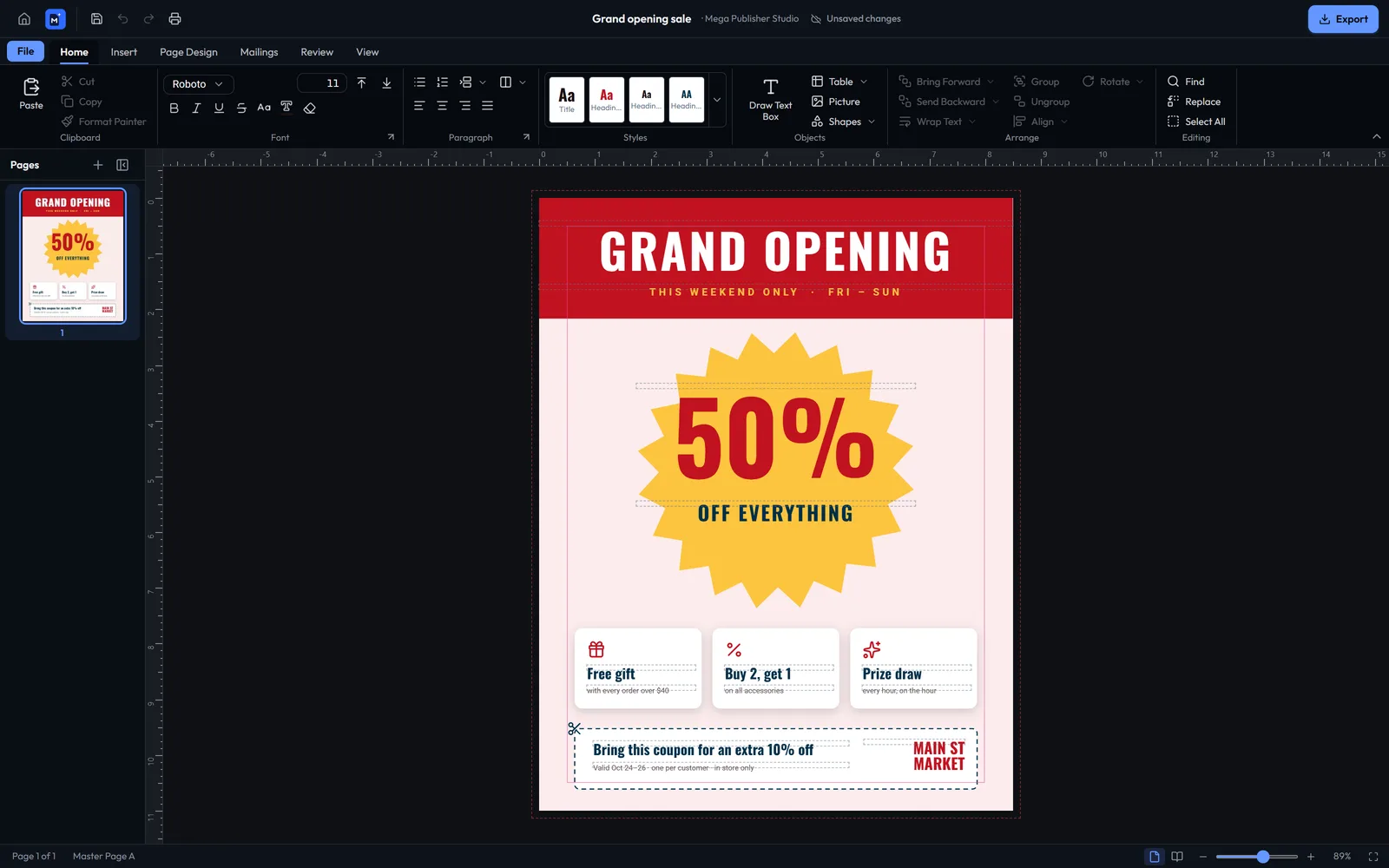
Edit any PDF like a document, scans included, or ask the AI to design one from scratch.
- Edit a PDF's text in a matching font
- Scanned pages become editable on their own
- AI builds invoices, reports and proposals
Private where it matters. Transparent everywhere.
Every PDF tool runs in your browser, so your file is processed on your own device. The AI Studio is the exception: it uses a secure server for OCR, drafting and AI edits, and saves your upload to your account so you can pick it up again later.
PDF tools stay local
Merge, split, compress, and convert run in your browser. If you're signed in, projects you save are stored in your account so you can reopen them on any device.
AI processing, handled carefully
When you use AI editing, drafting, or OCR, your document is sent over an encrypted connection, processed, and never used to train models.
Nothing lingers
AI results are kept in your history for a limited time, then deleted automatically. You can delete a project at any time.
You're always in control
See exactly which tools are local and which use AI, and delete your account's data at any time.
By the numbers
0
PDF & AI tools
Local
Run in your browser
Original
Fonts preserved on edit
Fast
Average tool load time
One toolkit. Every PDF task.
A complete online PDF editor and toolkit — merge, split, compress, rotate, protect and sign, plus images to PDF and PDF to images or text. Every tool opens your result in the AI Studio, so you can perfect it before you download.
A full PDF editor, with AI built in
Watch it work: ask for a document, and the AI lays it out block by block. Then edit the text, move things around, restyle it and export — all in one place.
A blank page, ready for anything
Ask for a document, a change, a translation…
Ask for it
Describe the document you need in plain language.
Built block by block
Headings, tables and totals appear as the AI writes them.
Edit anything
Click any text, image or table and change it like a document.
Export
Download a finished PDF, or have the link emailed to you.
Just ask, in any studio
Type what you need in plain words. The AI builds it, edits it or fixes it, and the result stays fully editable.
Upload a PDF. Change anything.
…table layers, then repaints the images behind your text so your edits blend into the page.
Text becomes real text
Upload any PDF, even a scan. Every line is recognised and turned into live, editable text.
Images are repainted
…ure is lifted out and the background is filled back in, so your edits blend in with the original.
Fonts & layout matched
Typefaces, sizes and spacing are detected, so new text blends in perfectly.
Join us every weekend for fresh pastries, slow-roasted coffee and live music on the terrace. Reserve a table online or simply walk in.
Join us every weekend for fresh pastries, slow-roasted coffee and live music on the terrace. Reserve a table online or simply walk in.
If it's on the page, you can edit it
Text, images, objects, fonts, layers. Every part of a PDF becomes something you can select, change and rearrange.
Bill to: Acme Ltd.
Type straight onto the page
Click a line and type. Text reflows and keeps its original style.
Clean up objects
Remove logos, stamps and stray objects. AI repaints what was behind them.
Layers & folders
Every element is its own layer. Group, reorder, lock and hide with ease.
Font detected
Georgia
Automatic font matching
The exact typeface is identified so your edits match the original text.
Retouch images
Brightness, contrast, crop and colour, right inside the document.
Redact & sign
Permanently black out sensitive data, then add a signature in seconds.
Why choose MojoPDF
Most PDF sites give you a pile of single-purpose utilities. We built a Studio where AI meets PDF editing — plus every browser tool you'd expect, all in one place.
AI-powered editing
Ask the Studio to rewrite, restyle, or redraft — it understands your document, not just its pixels.
Edit PDF text like a doc
Click into a paragraph and type. No text boxes, no re-exporting.
OCR for scanned docs
Turn scanned pages into clean, searchable, selectable text.
Fonts and layout matched
Edits keep the original typeface, size and spacing wherever we can read them from the file.
544 browser tools + 17 AI tools
Merge, split, compress, and convert right in your browser. If you're signed in, projects you save are stored in your account so you can reopen them on any device.
Privacy-conscious by design
PDF tools run on your device. AI Studio tasks use a secure server, and results are kept only for a limited time.
Your PDF
Native or scanned, any layout
AI reads it
Understands text, structure & fonts
Edit like text
Rewrite, restyle, redraft with AI
OCR the scans
Turns images into searchable text
Final document
Export, pixel-perfect and ready
How the Studio works
Four steps take you from a raw PDF to a finished document — whether that's a quick tool or a full AI edit.
Open your PDF
Drag a file into a tool, or bring it into the AI Studio workspace.
Pick your move
Edit, OCR, draft, transform, convert, or hand it straight to AI.
AI does the work
It reads the document's text, layout, and fonts, then edits it like you would.
Export, done
Download your finished, pixel-perfect PDF — fonts and layout intact.
File formats we handle
What you can bring in, and what you can take away.
Start with Trial, then Go in Style.
Every PDF tool. AI credits included. Cancel anytime.
Try Go for 7 days — just $1
Full Access. 1000+ PDF Documents with AI
2,000 AI credits every month
$1 for 7 days, then $49.99/month. Cancel anytime.
Everything included in the plan:
- Unlimited downloads from every tool
- 2,000 AI credits
- Unlimited file size
- No advertisements
- All premium tools unlocked
- Emailed download links
- Continuous feature updates
- Commercial usage allowed
Every feature, forever — one payment, no renewals.
300 AI credits every month, for life
Paid once — it never expires and never renews. A subscription you have is cancelled, so you're never charged twice.
Everything included, for life:
- Pay once, use it forever
- 300 AI credits every month
- Every tool and every studio
- Unlimited downloads
- All future updates included
- Priority support
- Commercial usage allowed
- No renewals, ever
Secure payments by Stripe. Prices in USD. Subscriptions renew automatically until you cancel — cancel anytime in Settings → Billing and keep access until the end of the period you paid for. All payments are non-refundable; see our Refund Policy and Terms.
Frequently asked questions
Everything about the AI PDF Studio, the tools, and how we handle your files.
Still not sure?
Ask us directly→It's a full workspace where AI works directly with your PDF — editing text, drafting content, running OCR, and transforming documents — instead of just offering one-off conversion tools.
PDF tools. One powerful AI Studio.
Start with 544 PDF browser-based tools and 17 AI tools, then step into the AI Studio to edit text like a document, OCR scans, and draft content — all in one place with MojoPDF.
Latest articles & guides
Tips, tutorials, and deep dives on private PDF workflows — written for everyday users and developers alike.
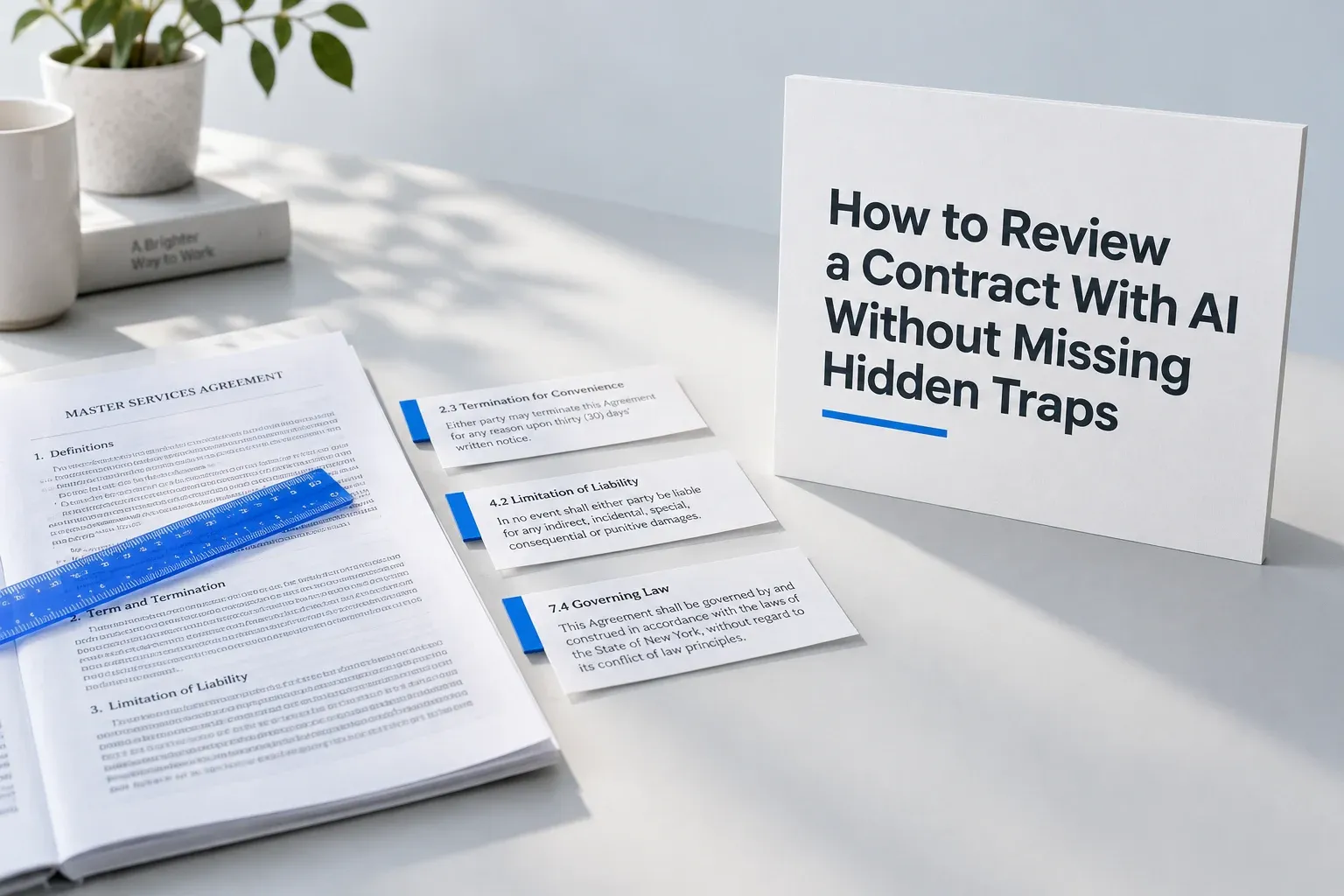

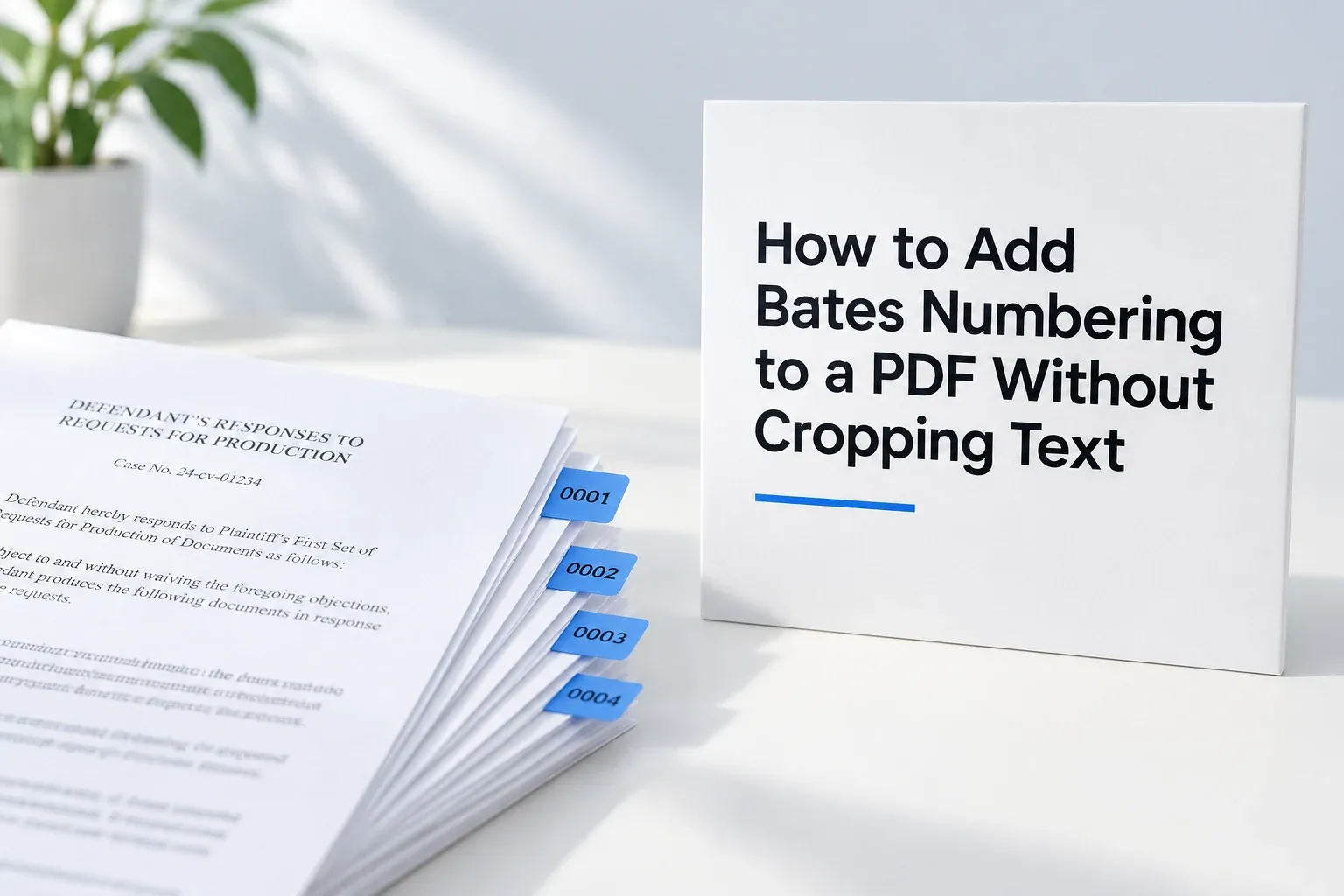
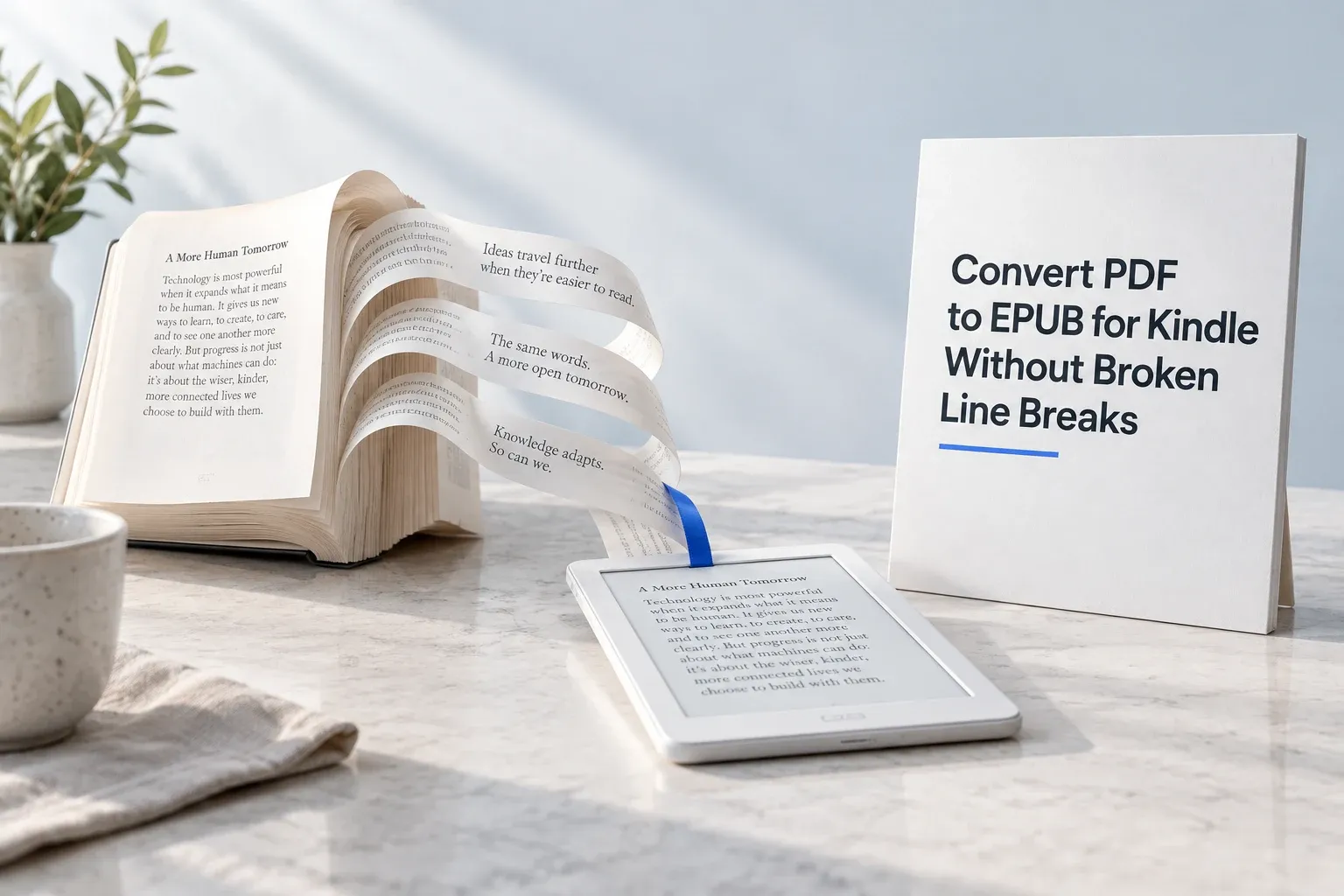
Every PDF tool you need, in one place
Convert, edit, sign, organize and secure your documents — or let the AI read them for you. Pick a tool, drop your file and finish in the Mega AI Studio.